AI tools, explained
Short reels for vibe coders and solo founders on the AI coding tools worth your time and what your app needs before launch, in plain English.

One word, one guide
Every reel ends with a word. Comment it and I’ll DM you a free guide with the prompt or the tool ready to copy. No email, no sign-up.
You comment
LAUNCH
I DM you the
PROMPT
A prompt that checks your app for four launch-day legal gaps: the privacy policy, the launch email, renewal terms and testimonials.
How it works
Watch. Each reel covers one tool or one launch problem in about a minute.
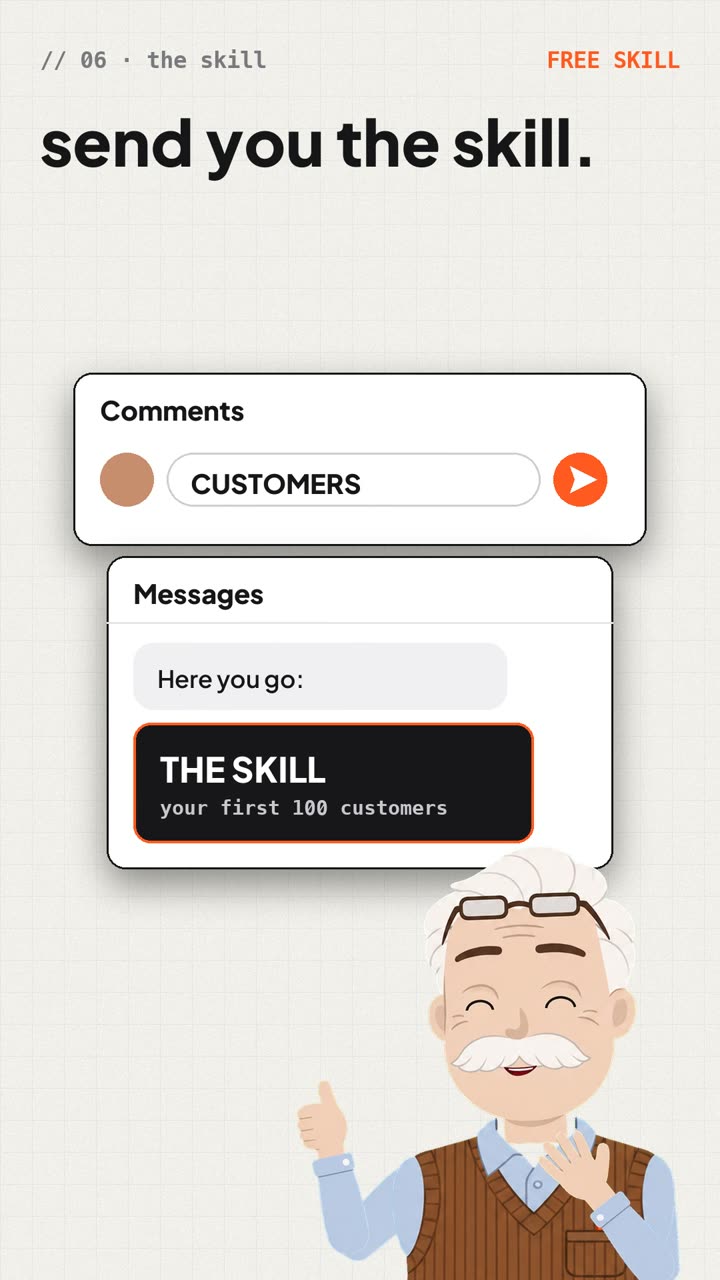
Open. I DM you a private link to that reel’s guide.
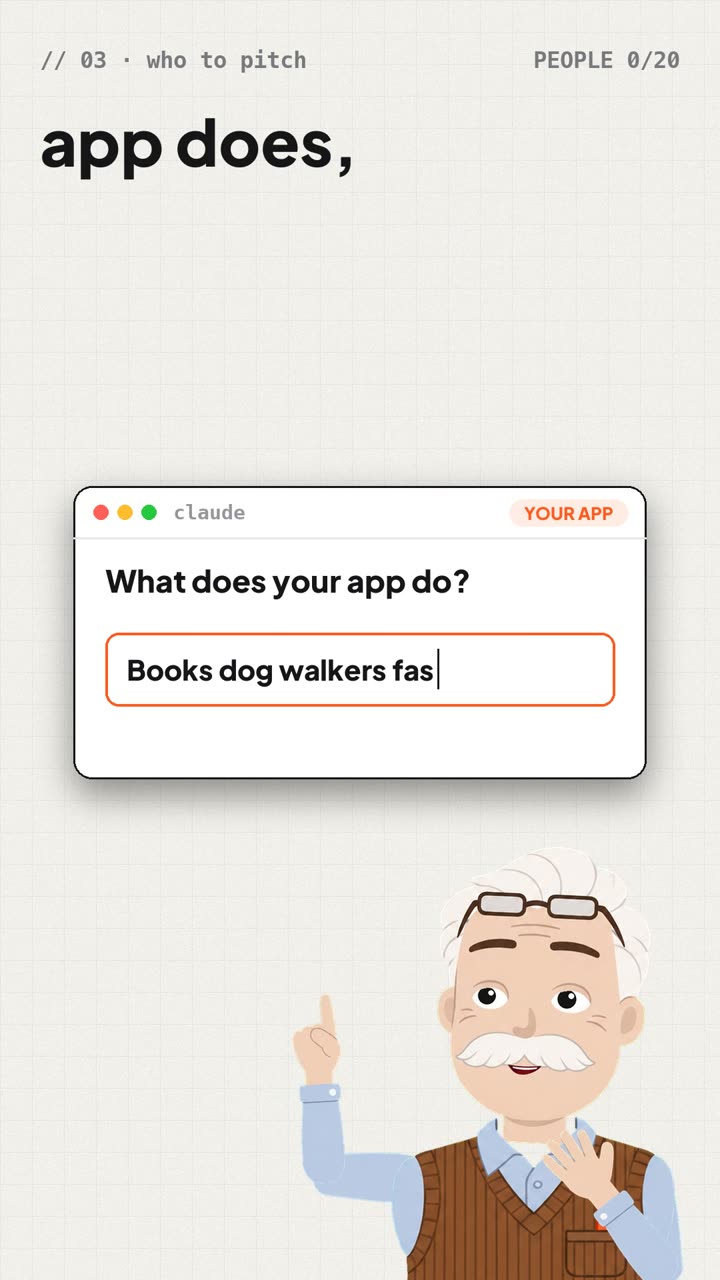
Ship. Paste the prompt into Claude Code in your project, then check what it changed.
Who makes it
-

The host
A cartoon retired engineer. He presents every reel.
-
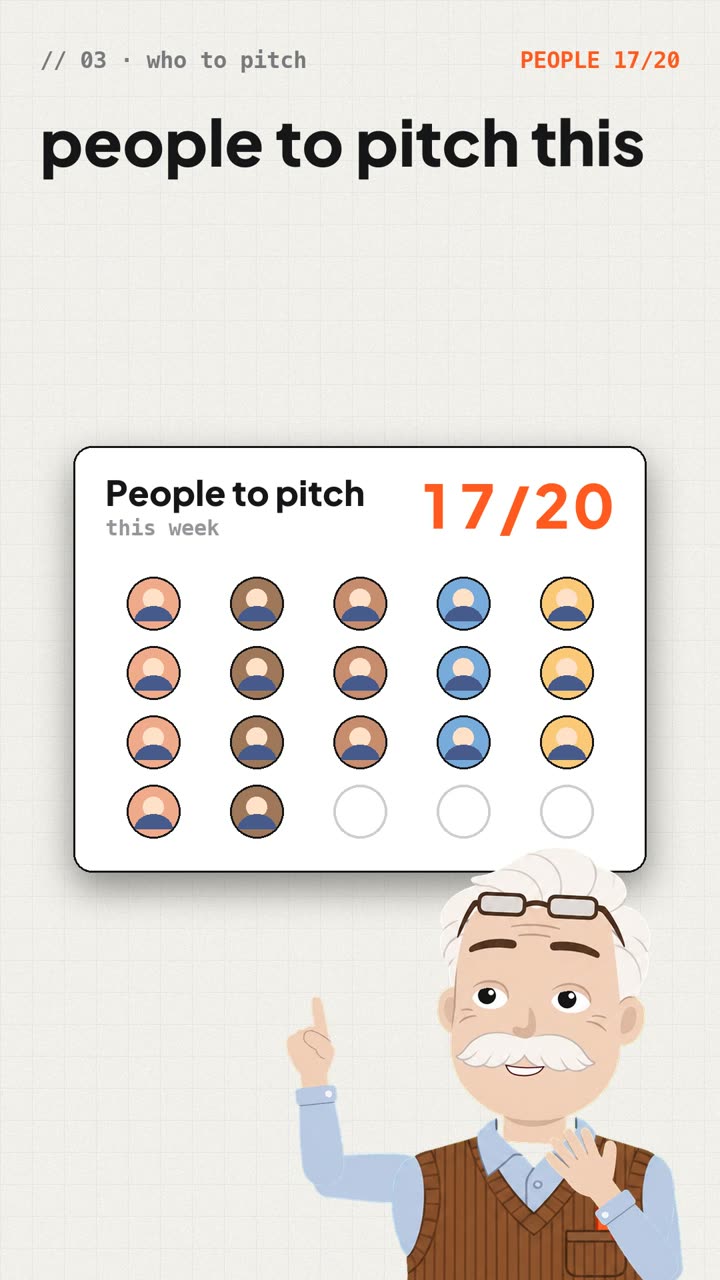
Richard
I write the scripts, check every claim against its source and build the reels with Claude Code. I come from marketing.
Questions
Is it really free?
Yes. No email, no sign-up and no course at the end. Open the link I DM you and copy what you need.
Do I need to know how to code?
No. You paste the prompt into Claude Code, or whatever AI tool built your app, while it’s open in your project. Then read the list of changes it gives you.
What do the reels cover?
AI coding tools worth your time, and what a vibe-coded app needs before and after launch: legal basics, security and your first customers.
Is this legal or security advice?
No. It’s general information with a source for every claim, so you can check it yourself. For your own situation, ask a lawyer or a security professional.
Catch the next one
New reels go out on Instagram. Follow and you’ll see the next word first.
Follow on Instagram
Comment. The word is at the end of the reel. Comment it.